Use Litbuy Sheet Lab to discover product links, review listing details, and continue to Litbuy to place an order. Prices and availability in this preview come from a historical FindSpreadsheet export.
01
Find a product in the Litbuy spreadsheet
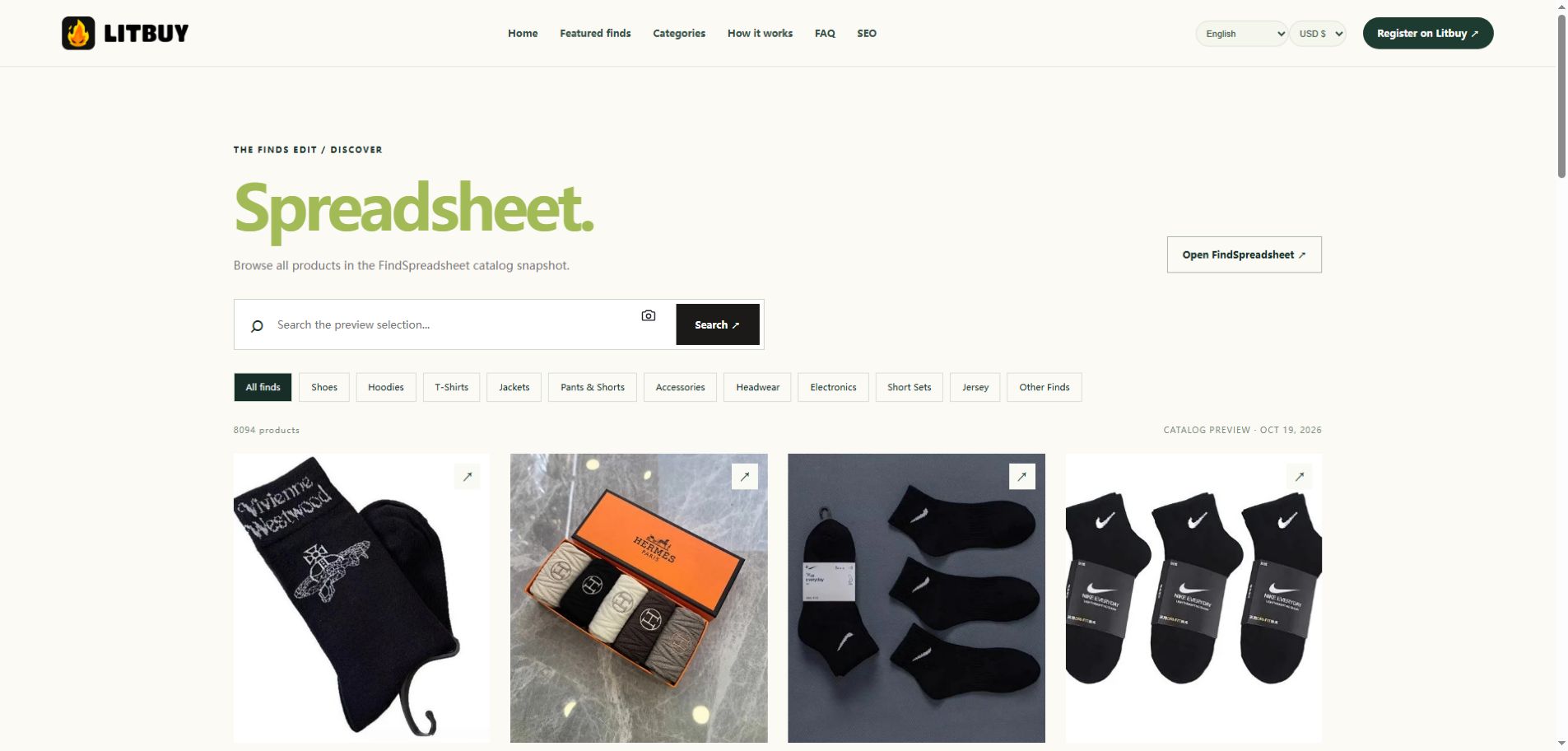
Browse a category or search by product name, brand, translated title or Weidian item number. To search by picture, select the camera beside the search box, choose an image and open the resulting product list. Image matching is approximate, so compare several results before deciding.
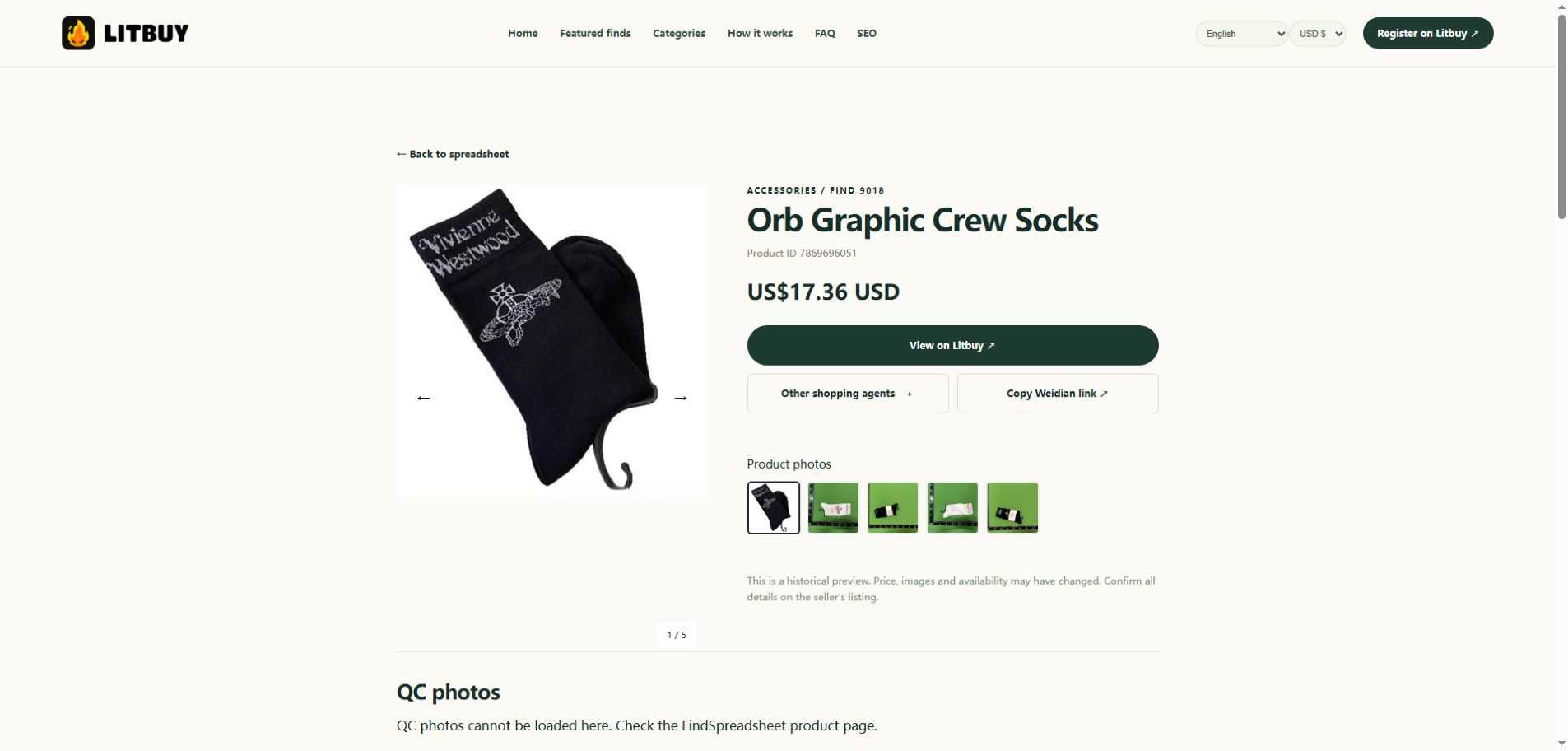
Open a product card to see its price estimate, product number and available images. Check the current listing for the exact colour, size, options and stock. An image in a seller gallery is a product photo; it is not necessarily a warehouse quality-control photo.
Actual product detail page: image carousel, item ID and purchase controls. The displayed price is a historical estimate.
03
Open the Litbuy product link
Select the Litbuy buying button on the product detail page. You can also copy the Weidian link or choose another available buying agent. Register or sign in on Litbuy, then verify that the product and item number match before choosing any options.
Register or sign in ↗Actual product page: choose the Litbuy button to continue to the platform.
04
Choose options and review the order
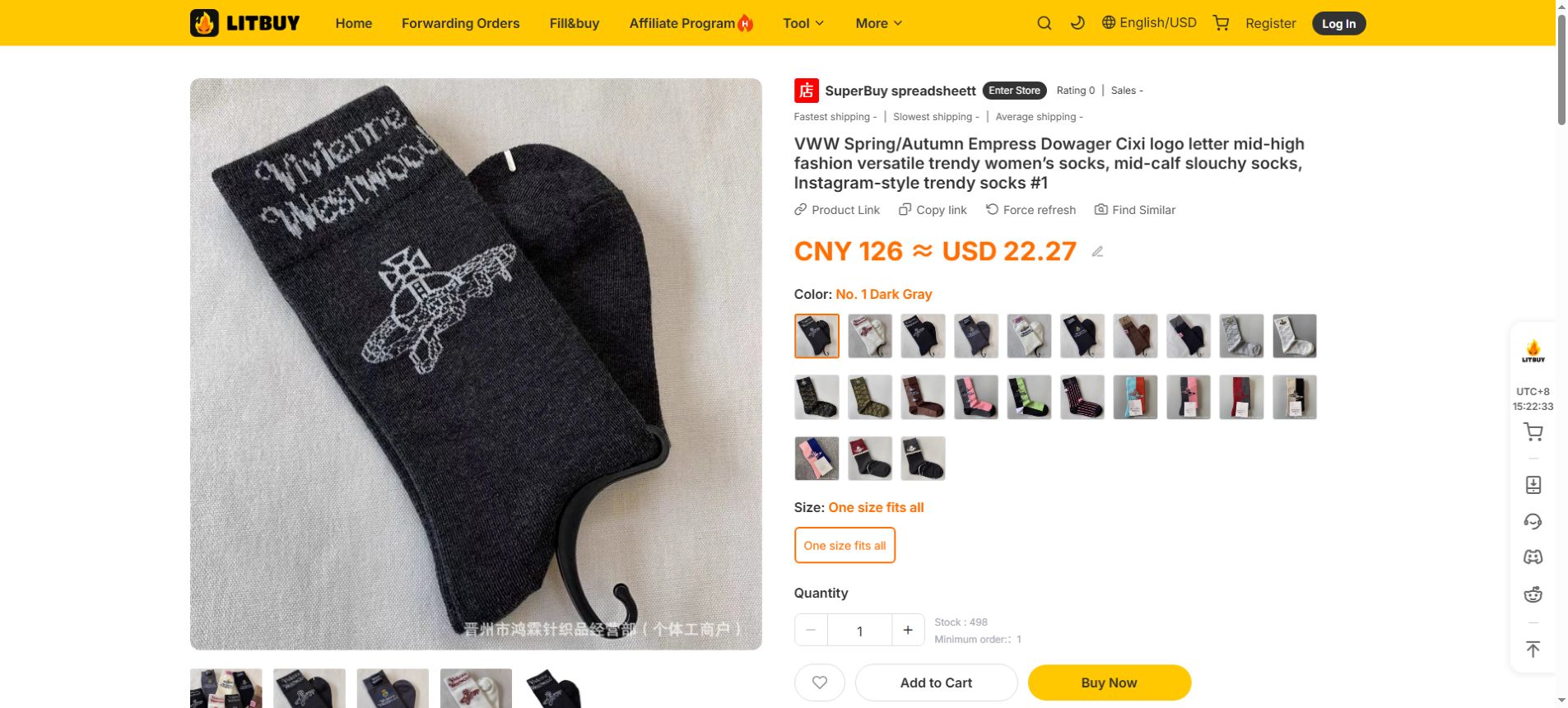
On Litbuy, check the seller's size chart, colour, quantity and available notes. Review the item price, domestic delivery and any service charges shown at checkout. Fees, inventory and payment methods can change; use Litbuy's current order screen as the source of truth.
Actual Litbuy product page: check colour, size, quantity and price before adding an item to your cart. Values shown are an example and may change.
05
Review warehouse QC photos
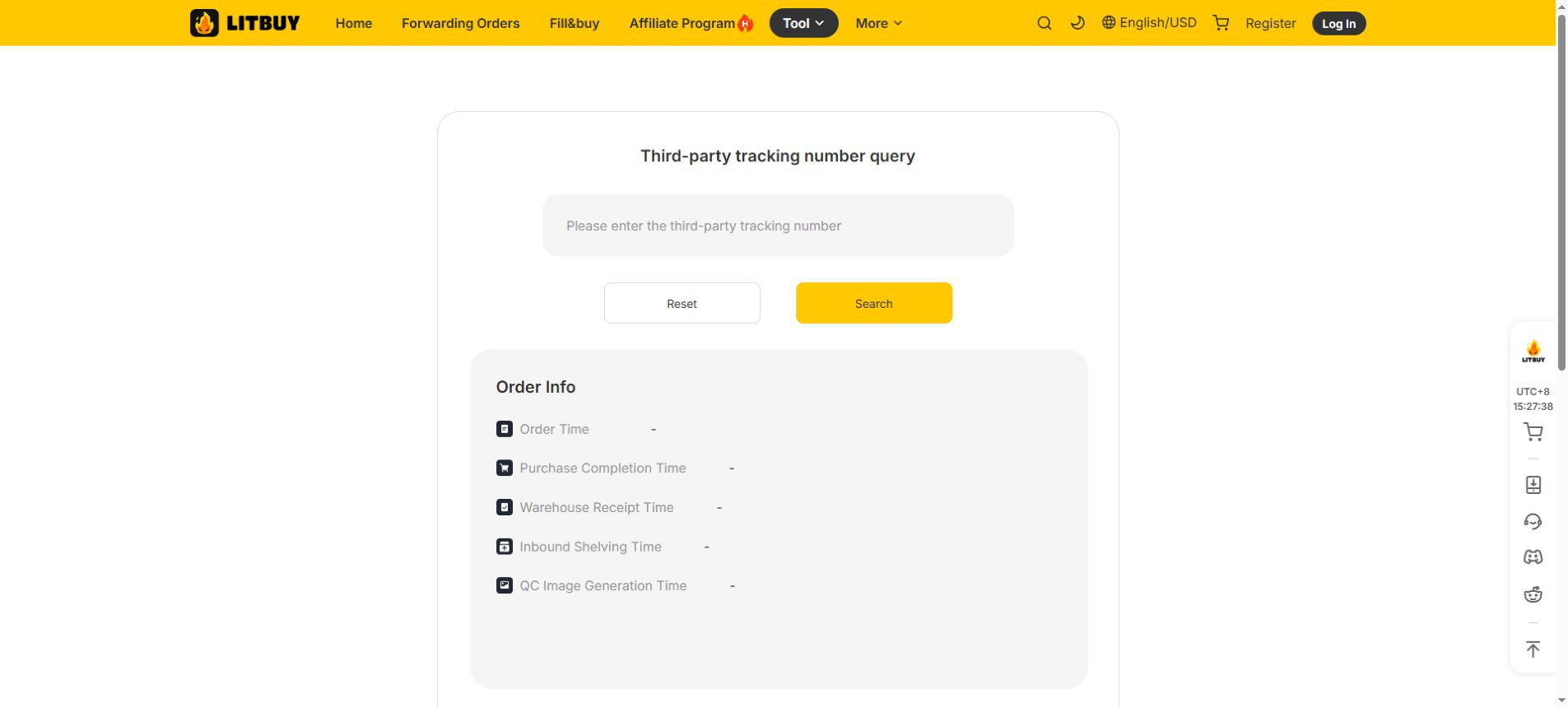
After an item reaches the warehouse, check the inspection photos available in your Litbuy account. Compare labels, colour, visible damage, stitching and measurements where shown. If you see a problem, contact Litbuy before arranging international shipping. This preview cannot currently load its QC feed directly. Litbuy’s SourceTrack tool can show warehouse receipt and QC image generation status for an eligible tracking number; view actual QC photos in your account.
Actual Litbuy SourceTrack screen. This is a status lookup, not a QC photo gallery; no tracking number was entered.
06
Plan international shipping
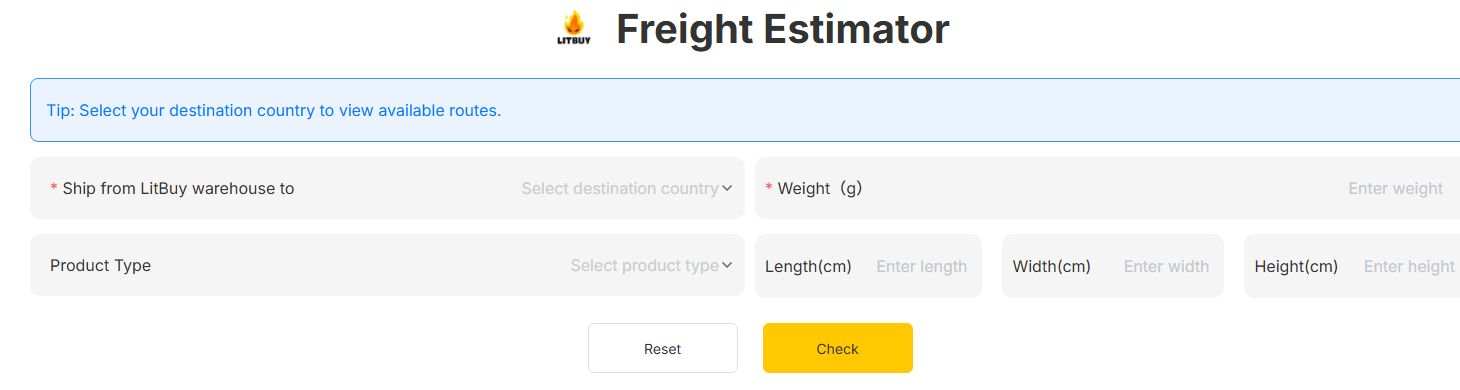
Check the packed weight and dimensions, destination, available routes, insurance and prohibited-item rules in Litbuy. If you combine items, compare the final parcel cost and restrictions before submitting. Taxes and customs requirements depend on the destination.
Actual Litbuy freight estimator: enter destination and parcel details to check available estimates.
07
Track your parcel and request support
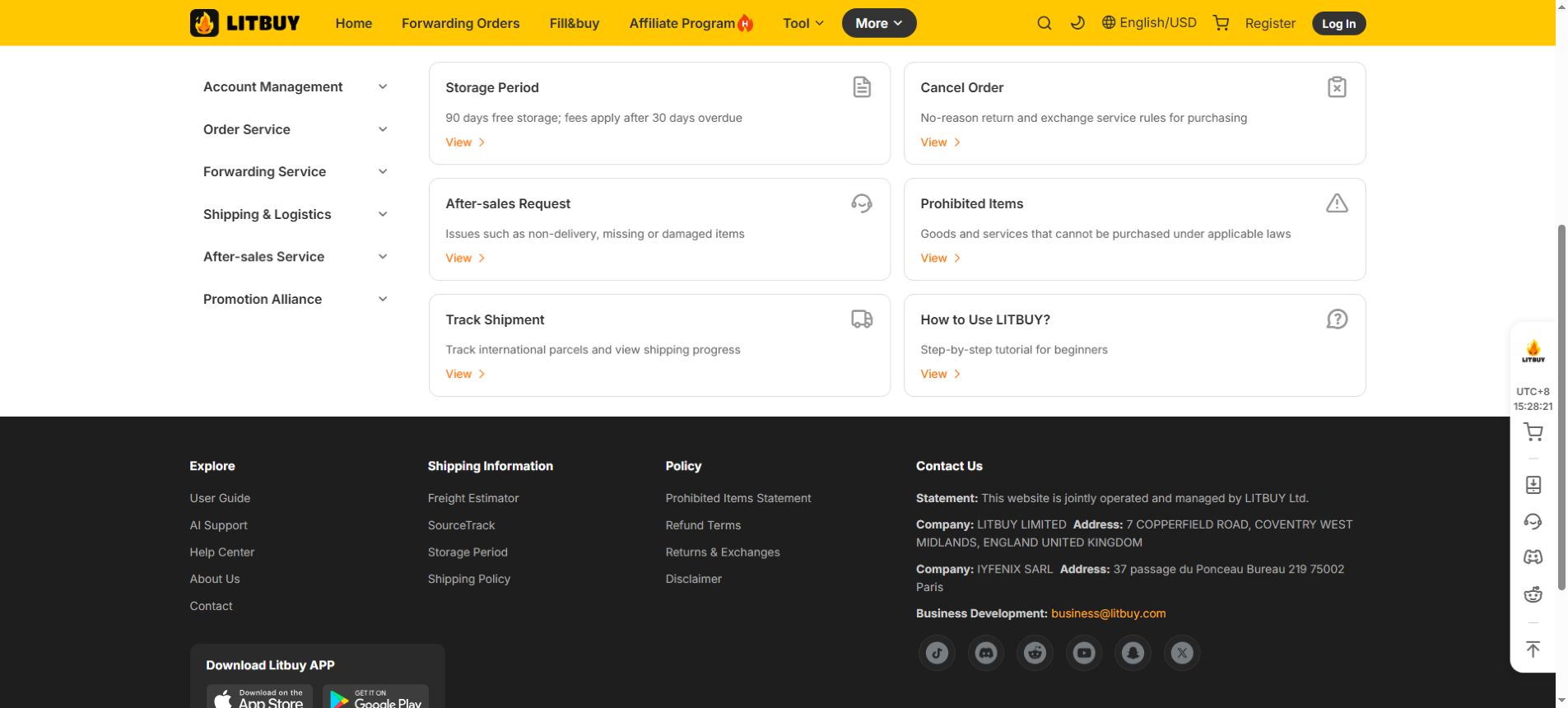
Keep your order and tracking details, follow the parcel status in Litbuy and contact its support team about missing, damaged or incorrect items. Review the current return, exchange and storage rules before taking action.
Litbuy help center ↗Actual Litbuy help center: shipment tracking and after-sales support entries.
Follow the order from purchase to delivery
Litbuy’s official beginner guide describes the sequence as order submitted, order placed, seller shipped, warehouse arrival, inspection and storage, shipping requested, parcel packed, shipped and delivered. Use your account to check the current status and contact support when you need help. Timing depends on the seller, warehouse and route.